Text2Event is Now on Google Play — The Android App Has Landed
Published: October 5, 2026
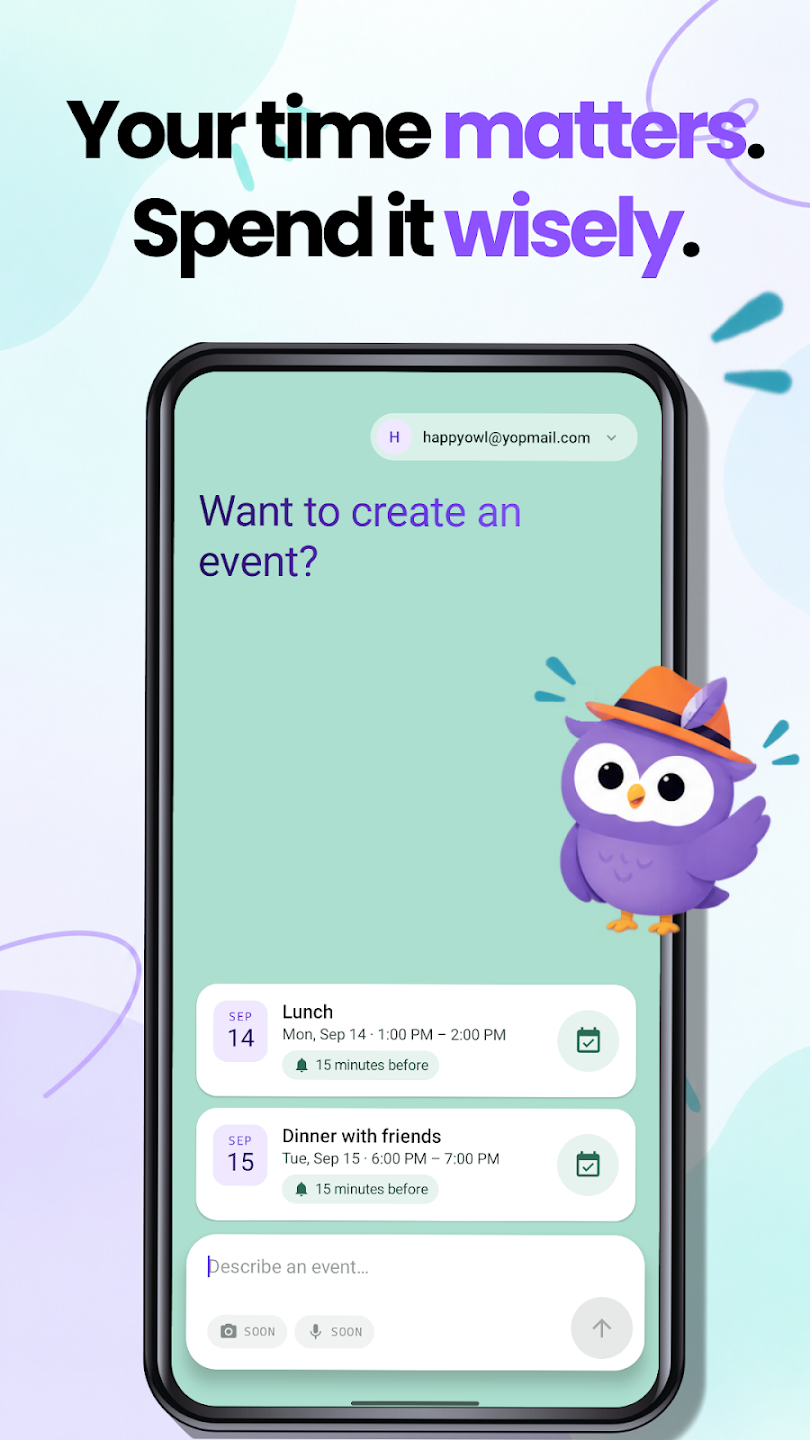
Text2Event for Android is Here
Text2Event now has a real home on your Android phone: a native app on Google Play, not a browser tab pretending to be one. Install it once, and turning text into a calendar event is a share-sheet tap away — no opening Chrome, no "Add to Home screen" menu hunting.
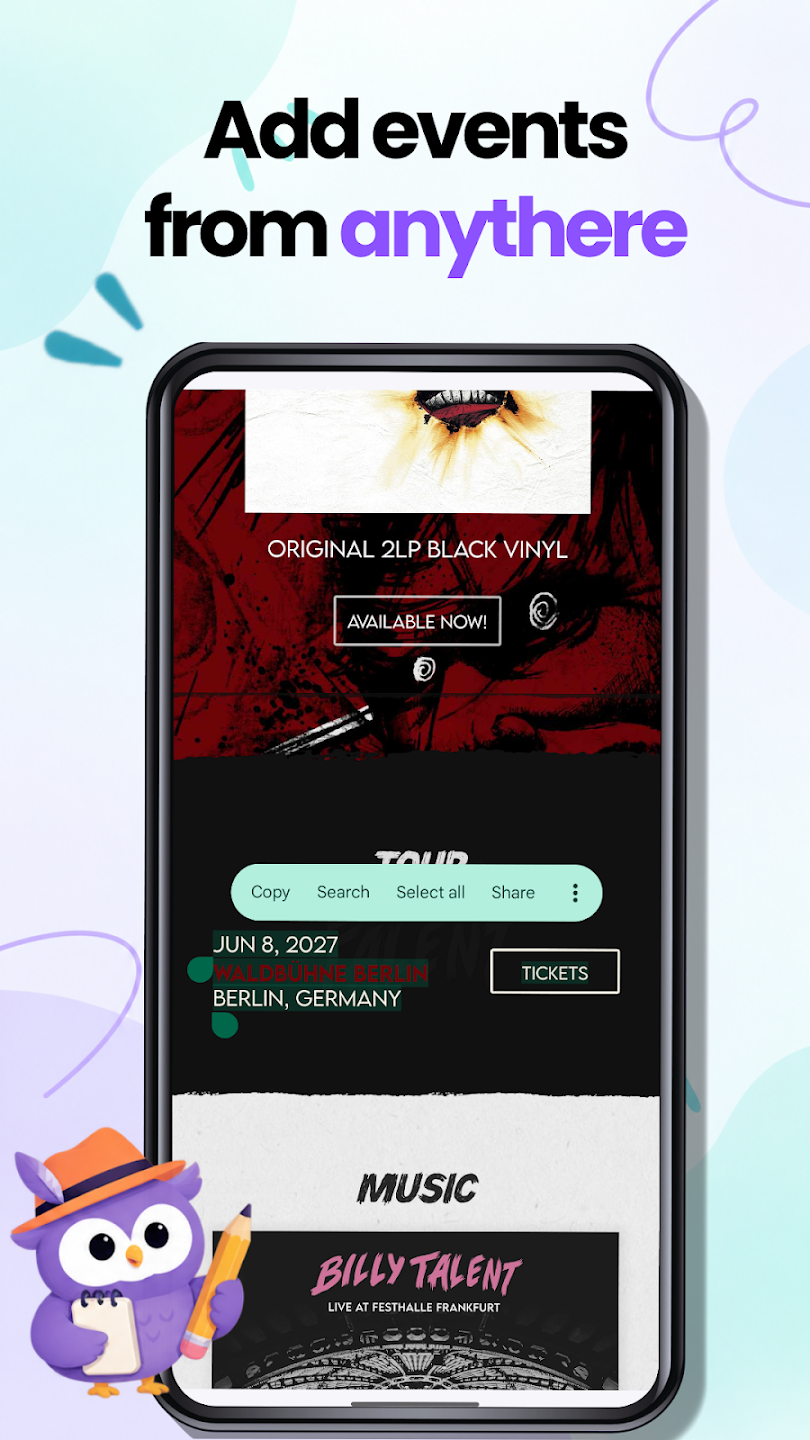
How It Works
📲 Step 1: Install the App
Get Text2Event from Google Play and open it once to sign in.
✍️ Step 2: Type or Share Text
Type an event description right in the app, or select text in any other app — an email, a message, a webpage — and tap Share → Text2Event.
📅 Step 3: Add It to Your Calendar
Text2Event reads the text and shows the event it found. Review the details and add it straight to your calendar.
Text Today, Photo and Audio Coming Soon
This first release focuses on getting text-to-event right on Android: type it, paste it, or share it from anywhere. Two more input types are already marked "soon" in the app:
- 📸 Photo capture — point your camera at a poster, flyer, or handwritten note
- 🎙️ Voice recording — say the event out loud instead of typing it
Both already work on the web app for Pro subscribers, and they're coming to Android next.
iOS Is Coming Shortly
A native iOS app is in the works and will land soon. Until then, iPhone and iPad users can keep using the iOS Shortcut or the web app in Safari.
What Happens to the PWA?
Text2Event's Android home screen app used to be a Progressive Web App, installed straight from Chrome. The native app on Google Play now takes over that role — it's faster, updates automatically, and is where new features like photo and audio input are landing first. The PWA is being deprecated, so if it's still on your home screen, this is a good time to switch to the Play Store app.
Try It Now
Install Text2Event on Android and turn the next text, email, or message into a calendar event without leaving the app you're already in.
Text2Event Android App FAQs
- Q: Where do I download the Text2Event Android app?
- A: From Google Play: text2event on Google Play. It's free to install.
- Q: What can the Android app do today?
- A: Create calendar events from text — type a description or share text from any app, and Text2Event turns it into a ready-to-save event. Photo and voice recording input are marked "soon" in the app and are coming in an update.
- Q: What happened to the Text2Event PWA on Android?
- A: The Progressive Web App is being retired in favor of the native Android app, which is faster, gets proper updates through Google Play, and is the base for the photo and audio features coming next. If you have the PWA installed, we recommend switching to the Play Store app.
- Q: Is there an iOS app?
- A: Not yet — it's coming shortly. Until then, iPhone and iPad users can use the iOS Shortcut or the web app directly.
- Q: Is the Android app free?
- A: Yes. Creating events from text is free, just like on the web. Pro features (photo, PDF, and voice input, direct Google Calendar sync, multiple events per request) will come to the app the same way they work on the web, with a free 14-day trial for new users.