How do I create a calendar event from text?
Simply describe your event in plain language - like 'Team meeting tomorrow at 2 PM' or 'Doctor's appointment next Tuesday at 10 AM with 1 hour reminder'. Click the button to generate a calendar file (.ics) that works with any calendar app.
What calendar apps does this work with?
The generated calendar files work with all major calendar applications including Google Calendar, Apple Calendar, Outlook, Thunderbird, and any app that supports the standard .ics format.
Do I need to create an account or install anything?
No account is needed for the free version — just describe your event and download the calendar file. An account (and a Pro subscription) is only needed for extra features like creating events from a photo, PDF, or voice recording, or syncing events straight to Google Calendar.
What information can I include in my event description?
You can specify the event title, date, time, duration, and reminders. Mention specific times, dates (like 'next Tuesday' or 'January 15'), and reminder preferences (like 'remind me 1 hour before'). You can also specify a different timezone if needed.
Is my event data private and secure?
Yes. Your event descriptions are processed to generate the calendar file, but we don't store your personal event information. See our Privacy Policy for details.
Can I create recurring events?
Yes! You can create recurring events by mentioning the recurrence pattern in your description. For example, 'Team standup every weekday at 9 AM' or 'Dentist appointment every 6 months' or 'Weekly yoga class on Mondays at 6 PM'.
How to create a calendar event in Google Calendar?
After creating a calendar file with Text2Event service, you have two options: (1) Click the 'Add to Google Calendar' button that appears after generation for instant access, or (2) In Google Calendar, go to 'Setting' -> 'Import & export' -> 'Select file from your computer', select the downloaded calendar file, choose an appropriate calendar and hit 'Import' button. For more guides, see: Create Google Calendar event from email or Convert any text to Google Calendar event.
How to create a calendar event in Apple Calendar?
First create a calendar file with Text2Event service and then open calendar file and Apple Calendar app will automatically handle it. On iPhone or iPad, you can also use the iOS Shortcuts integration for even quicker access from any app.
Can I use Text2Event on Android?
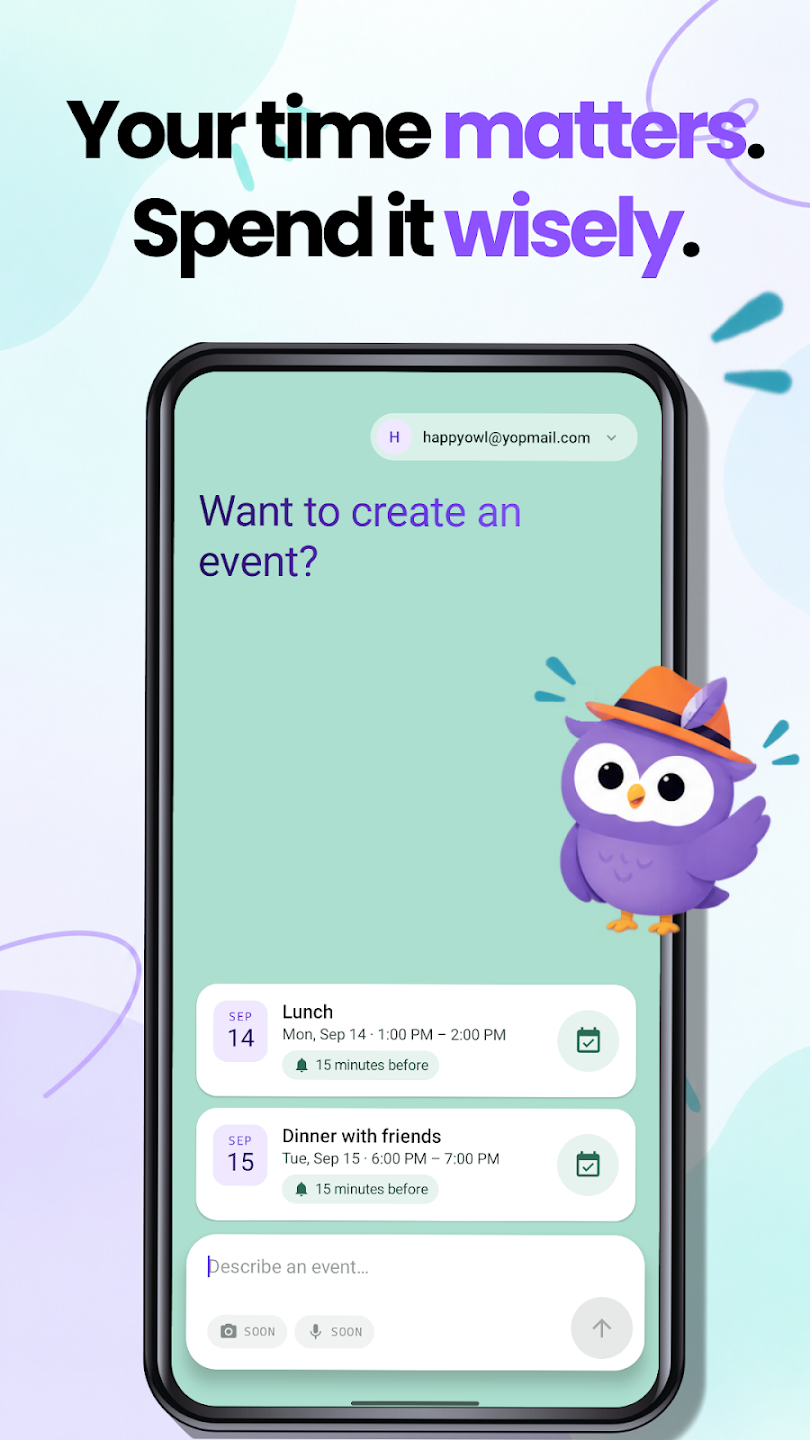
Yes! Text2Event has a native Android app on Google Play. Install it to create events from text and share text to it from any app — photo and voice input are coming soon. The old Progressive Web App (PWA) is being retired in favor of the app. Get it on Google Play, or read the announcement.
Can I create an event from a photo, PDF, or voice recording?
Yes, with a Pro subscription. Snap a photo or screenshot of a flyer, ticket, or invite, upload a PDF schedule, or just speak your event out loud, and Text2Event reads it and creates the event(s). New users get a free 14-day trial; plain text input stays free forever. See creating events from a photo, from voice, and from a PDF.
Can events be added straight to my calendar, and can I create several at once?
Yes, both are Pro features. Generated events can sync directly to your Google Calendar with no download step, and you can create multiple events from a single request — paste a full itinerary or upload a PDF schedule, and every event is created in one pass. See direct Google Calendar sync.
How much does Text2Event Pro cost?
Pro starts at $4.99/month (less when billed annually) and adds direct Google Calendar sync, creating events from photos, screenshots, voice recordings and PDFs, multiple events per request, choice of calendar, and unlimited generation with no rate limits. New users get a free 14-day trial. See full pricing details.
Can I invite people by just typing their name?
Yes. Save an attendee alias once in your profile settings (a name mapped to an email address), then mention that name in your event description — like "lunch with Alice" — and Text2Event adds them as an attendee automatically. See attendee aliases.


 See in Google Calendar
 Add to Outlook Live
 Add to Microsoft 365
 Get Chrome Extension
 Get iOS Shortcut
 Get Android App
 Get Gmail Add-on



Follow Us
Stay Updated