The Text2Event MCP Server — Natural Language to Calendar Events, Right Inside Your AI Agent
Published: July 4, 2026
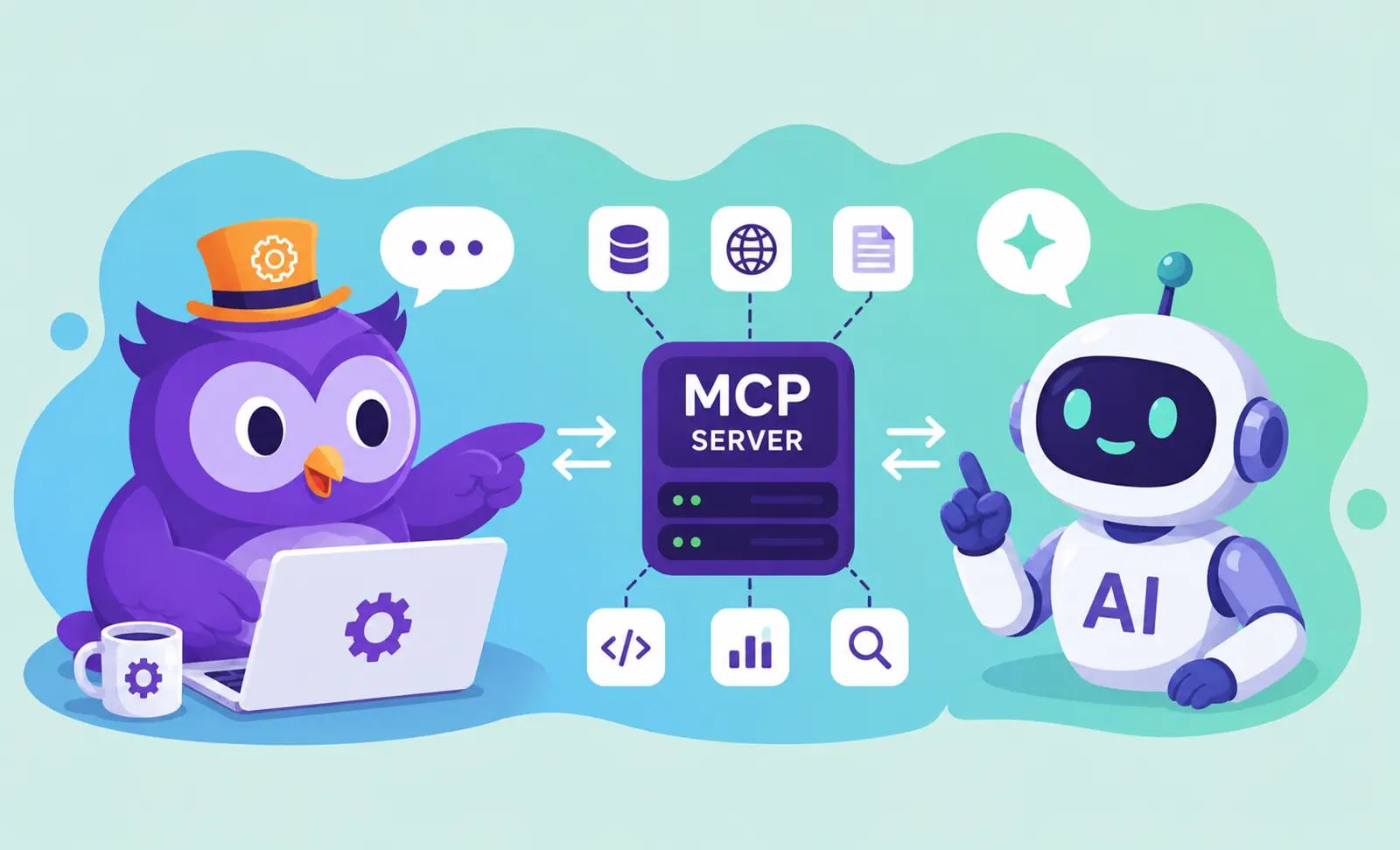
The One Step AI Agents Quietly Get Wrong
Modern AI agents are impressive, but there's a small, unglamorous task they stumble on more than you'd expect: turning a sentence like "team retro every other Thursday at 2pm until the end of the quarter" into a correct calendar event. Dates drift by a day. "Next Friday" gets interpreted three different ways. Recurrence rules come out subtly wrong. And the moment an event lands in your calendar on the wrong day, the whole point of automation is gone.
The Text2Event MCP server exists to make that step reliable. It's a Model Context Protocol server that gives your agent one focused, dependable tool: text in, structured event out.
What It Does
The server exposes a single tool, extract_event. You hand it natural-language text and it returns, for each event it finds:
- 📌 Title — a clean, human summary
- 🕒 Start & end — as local ISO timestamps, plus an all-day flag
- 📍 Location — when the text mentions one
- 🔁 Recurrence — frequency, interval, count or until-date, and specific days of the week
- ⏰ Reminders — sensible default alerts
- 📄 Ready-to-use output — full
.icsfile content plus direct Google Calendar and Outlook links
Because it returns both machine-readable fields and a finished .ics artifact, your agent can either act on the structured data or simply hand the file to the user — no calendar access required.
Connecting It to Claude
Add the server as a custom connector in your MCP client using this URL:
https://mcp.text2event.com/mcpOn first use you'll be prompted to sign in, which authorizes the connection. From then on, your agent can call extract_event whenever a message contains something that looks like a plan, an invite, or a deadline. Ask Claude something like "add this to my calendar: book club every second Wednesday at 7pm starting next month" and it will route the text through the tool and get back clean, correct event data.
Text2Event vs. the Google Calendar MCP
A fair question: if there's already a Google Calendar MCP, why use this? The honest answer is that they solve different problems and are better together.
The Google Calendar MCP is excellent at what it does — writing events into your Google account. But it generally expects already-structured input: a title, a start, an end, a timezone. It isn't built to interpret "meeting two weeks from Thursday" — that's not its job. That interpretation is exactly Text2Event's job.
| Text2Event MCP | Google Calendar MCP | |
|---|---|---|
| Core job | Text → structured event | Structured event → calendar |
| Parses messy free text | Yes, that's the whole point | Not its focus |
| Writes to your account | No — returns an artifact | Yes — into Google Calendar |
| Calendar support | Google, Outlook, Apple, Yahoo (.ics + links) | Google only |
| Account access needed | None — no calendar permissions | OAuth into your Google Calendar |
Think of it as a pipeline rather than a rivalry:
free text → Text2Event MCP (parse) → clean ISO start/end + RRULE → Google Calendar MCP (write)Text2Event specializes in the fragile "text → structure" step; a calendar connector handles the "structure → record" step. Chained together, an agent can go from a throwaway sentence to a correctly scheduled recurring event without a human double-checking the date.
Why a Dedicated Tool Beats Letting the Agent Guess
- 🎯 Reliability on hard dates — relative phrasing, "the last Friday of each month," off-by-one traps around week boundaries and timezones are handled deliberately, not improvised
- 🌍 Every calendar, not just one — the
.icsoutput and universal links work with Outlook, Apple Calendar, Yahoo and more, so you're never locked to a single provider - 🔒 No calendar access required — it produces an artifact and stops there; nothing is written to your account, so you can review the event, forward it, or import it yourself
- 🧩 Composable — pair it with a Google Calendar connector to auto-file events, or with a notes tool to pull dates straight out of your notes
Better Together: Notion + Text2Event
Because MCP tools compose, you can connect several at once in the same agent. A natural combination is a notes source and Text2Event: point your agent at a page full of meeting notes, and let it pull every "let's meet…" and "due by…" line through extract_event to produce a tidy set of calendar-ready events — each one exportable to whichever calendar you actually use.
A short walkthrough video showing this in action is coming soon.
An Honest Note
Could a capable agent that already has a Notion connector and a Google Calendar connector skip Text2Event entirely and parse a simple date itself? For easy cases — "lunch Friday at noon" — sometimes, yes. Where Text2Event earns its place is the harder reality: ambiguous and recurring dates where a small parsing mistake silently puts an event on the wrong day, and the many people who live in Outlook, Apple Calendar, or something other than Google. Reliable parsing and true multi-platform output are the point.
Try It
Add https://mcp.text2event.com/mcp to your MCP client, sign in once, and give your agent a dependable way to turn words into calendar events. Prefer to do it by hand? The Text2Event app does the same conversion in your browser, free and with no sign-up.
Works with Google Calendar, Outlook, Apple Calendar & more • No calendar access required
Text2Event MCP FAQs
- Q: What is the Text2Event MCP server?
- A: It is a Model Context Protocol (MCP) server that exposes a single tool, extract_event, to AI agents like Claude. Give it natural-language text and it returns structured events — title, start and end times as local ISO, all-day flag, location, recurrence rule, and reminders — along with ready-to-use .ics content and Google Calendar and Outlook links.
- Q: How do I connect it to Claude?
- A: Add https://mcp.text2event.com/mcp as a custom connector in your MCP client. On first use you will be asked to sign in, which authorizes the connection. After that, your agent can call the extract_event tool whenever it needs to turn text into a calendar event.
- Q: Is the Text2Event MCP a competitor to the Google Calendar MCP?
- A: No — they do different jobs and work well together. The Google Calendar MCP writes events into your Google account but expects already-structured input. Text2Event is the interpretation layer in front of it: it turns ambiguous free text into clean ISO dates and recurrence rules that a calendar connector can then write. Text → structure is our step; structure → calendar is theirs.
- Q: Does it write to my calendar?
- A: No. The Text2Event MCP never touches your calendar. It returns an artifact — an .ics file plus add-to-calendar links — and you decide what to do with it: import it, forward it to a colleague, or hand it to another tool. It requires no access to your Google or Outlook account.
- Q: Which calendars does the output work with?
- A: Any of them. The .ics file is a standard format that imports into Google Calendar, Outlook, Apple Calendar, Yahoo, and more, and the response also includes direct Google Calendar and Outlook links. You are not locked into one provider.
- Q: Does it handle recurring and ambiguous dates?
- A: Yes — that is the whole point. It resolves relative phrasing like "next Thursday" or "in two weeks" into real dates and builds proper recurrence rules for things like "every other Monday until December." This reliability on tricky dates is exactly where a dedicated tool beats an agent guessing on its own.