Your Text Now Goes Straight into Google Calendar — No Extra Step
Published: May 27, 2026
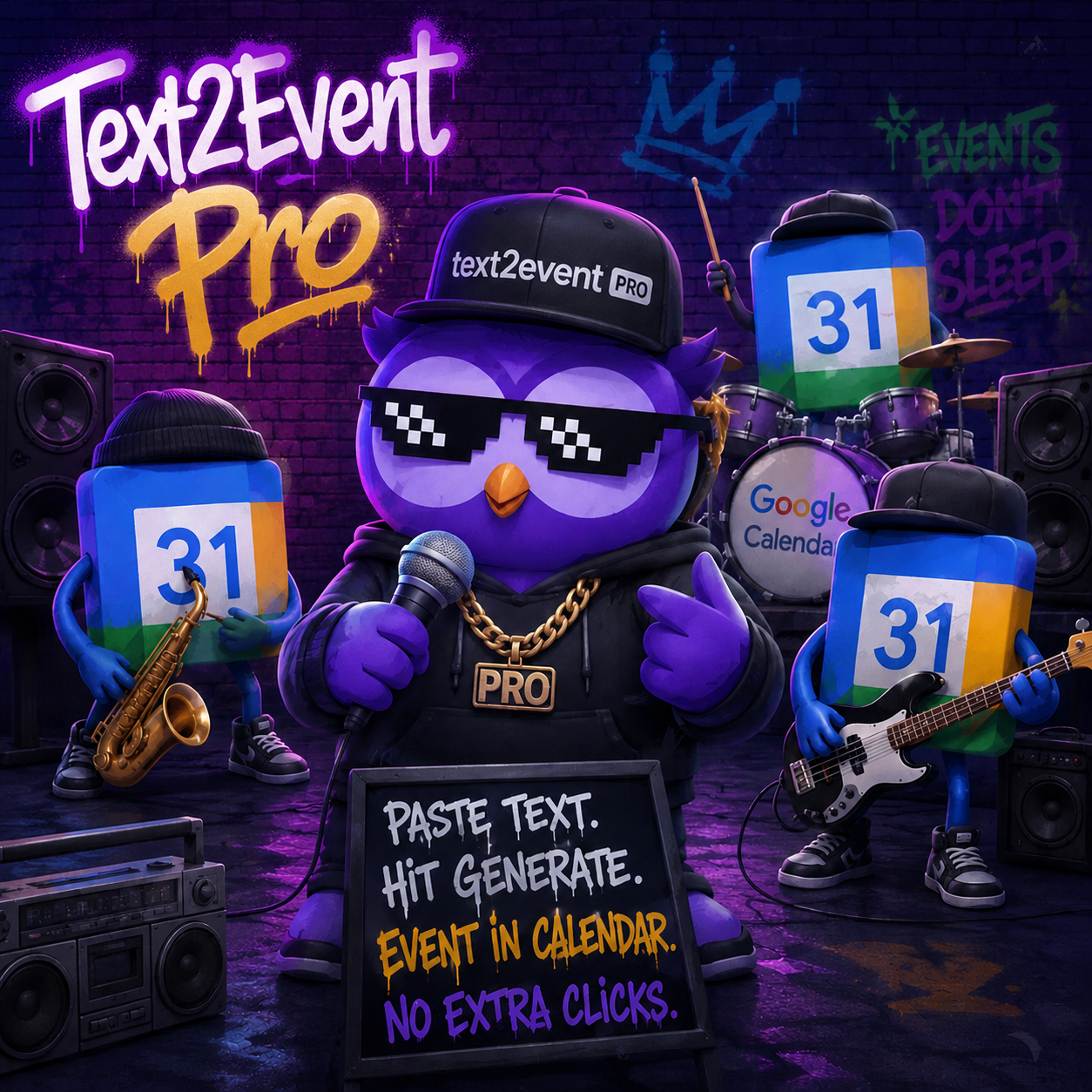
If you've been using text2event, you know the drill: paste your text, the tool figures out the event details, and then... you click "Get calendar file".
That extra click always bugged me. You're already in the flow — why add friction right at the finish line?
So we removed it.
What's new in Pro: direct Google Calendar sync
With a Pro subscription, events are created directly in your Google Calendar the moment you generate them. No intermediate link. No extra tab. No copy-paste. You paste your text, hit generate, and the event just... appears in your calendar.
That's it. That's the feature.
It sounds small. It doesn't feel small.
Everything else that comes with Pro
Google Calendar sync is the headline, but the Pro plan covers a lot more:
- Unlimited event generation — no monthly caps, use it as much as you want
- Multiple events from one query — paste a full conference schedule, a week of appointments, or a list of deadlines and get all of them created at once
- All future Pro features — everything we build next goes to Pro subscribers first
Get 20% off right now
To celebrate the launch, we're offering 20% off for early subscribers. Use code TEXT2EVENT20 at checkout.
The discount won't be around forever — grab it while it's live.
Questions? Use our contact form. Happy to help.