Create Calendar Events from a PDF Schedule
Published: September 30, 2026
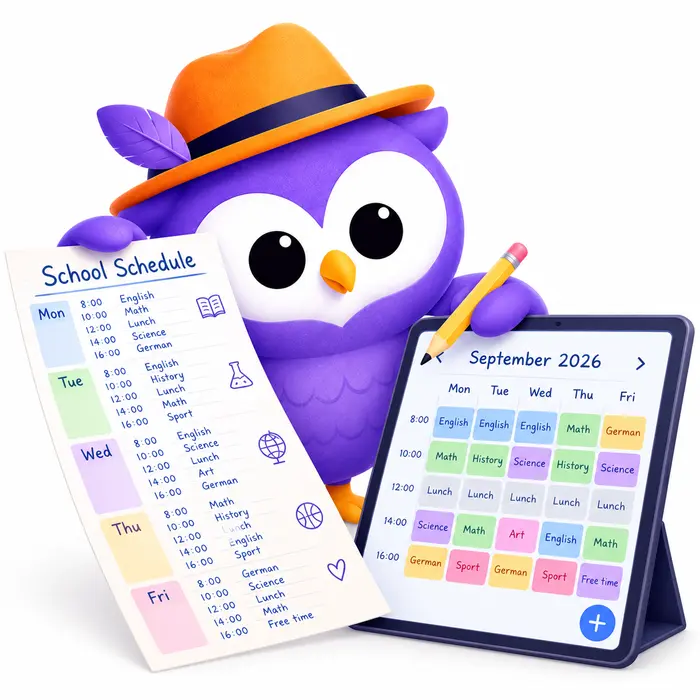
Turn Any PDF Schedule Into Calendar Events
Some schedules only ever exist as a PDF — the school year calendar emailed home in August, the work shift roster posted to the team channel, a class timetable, a league fixture list. Retyping any of that into a calendar is tedious, and it's exactly the kind of table that's easy to mistype or skip a row on. Upload the PDF to Text2Event instead, and it reads every date, time, and title in it and turns them into ready-to-save calendar events — all of them, in one pass.
How It Works
📄 Step 1: Upload the PDF
Click the PDF button on the Text2Event web app (or in the Chrome extension) and pick the file — a school calendar, a shift roster, a timetable, whatever has the dates in it.
🔍 Step 2: Text2Event Reads It
It reads the text and any tables in the PDF, including multi-page documents, and works out the title, date, time, and location for every event it finds — recognizing recurring patterns like "every Tuesday" instead of listing each date separately.
📅 Step 3: Review and Add to Your Calendar
Check the extracted events and add them to Google Calendar, Outlook, or download a calendar file that works with any app.
Where a PDF Upload Saves the Most Time
This is most useful whenever a schedule with many dates only comes as a document — the kind of thing you'd otherwise be retyping one row at a time:
- 🏫 A school year calendar — first/last day, holidays, half-days, parent-teacher conferences, all from one PDF sent home at the start of the year
- 🧒 A daycare or preschool activity plan — themed days, outings, photo day, closures — the kind of one-page-per-term PDF that's easy to lose track of
- 💼 A work shift roster — everyone's shifts for the week or month, laid out as a table
- 📞 An on-call rotation — who's covering which week, pulled straight from the rotation PDF
- 📚 A class timetable or course syllabus — lecture times, assignment due dates, exam schedule
- 🏆 A sports league fixture list — every match for the season, home and away
- 🎟️ A conference or festival agenda — sessions and talks across multiple days
- 🧑⚕️ A recurring appointment plan — a course of physio sessions, a vaccination schedule, a medication schedule
- 🏢 An HOA or club meeting calendar — the year's board meetings and events in one document
- ✈️ A multi-leg travel itinerary — flights, hotel check-ins, and tours from a booking confirmation PDF
- 🧾 Invoice or payment due dates — a payment schedule attached to a contract or invoice
- 🔧 A building maintenance or inspection schedule — recurring service dates for an apartment or office
Handles Recurring Schedules Properly
Rosters and timetables are full of repeating patterns — "every Monday and Wednesday," "the second Tuesday of the month," a weekly shift block. Text2Event recognizes these and creates one recurring event instead of a separate event for every occurrence, so your calendar doesn't end up cluttered with duplicates. Genuinely distinct events — a gym session and a separate dentist appointment, say — still become separate entries.
Add Context Alongside the PDF
You're not limited to what's on the page. Type a note in the text box when you upload the PDF and Text2Event combines it with what it reads — for example "invite mom" to add an attendee who isn't named in the document, or "only the home games" to narrow down a long fixture list.
Works in the Chrome Extension, Too
The Chrome extension has the same PDF button as the website side-by-side with the photo and voice buttons, so you can attach a PDF without switching tabs — handy when the roster or calendar just landed as an email attachment.
Why People Love It
- 📋 One upload, many events — a whole school year or season in a single pass, not one event at a time
- 🔁 Recognizes recurring patterns — weekly shifts and classes become one recurring event, not dozens of duplicates
- 📝 No manual re-entry — nothing to mistype or skip a row on
- 🗒️ Add your own notes — combine what's in the PDF with extra instructions you type
- 🌍 Works in many languages — a schedule in another language still comes out right
- ⭐ Try it free for 14 days — PDF extraction is a Pro feature with a 14-day trial for new users
Try It Now
Grab that school calendar, shift roster, or fixture list sitting in your downloads folder and let Text2Event turn it into a calendar full of ready-to-save events.
Pro feature • Free 14-day trial • Also works in the Chrome extension
PDF to Calendar FAQs
- Q: What kind of PDF can Text2Event read?
- A: Any PDF that has dates, times, or a schedule in it — a table of school year events, a work shift roster, a class timetable, a league fixture list, a booking confirmation, an invoice, or a multi-page itinerary. Text2Event reads the text (including tables) and pulls out every event it finds.
- Q: Can it handle a PDF with many events, like a full school year calendar?
- A: Yes — that's exactly what it's built for. A single PDF can produce dozens of calendar events in one pass, including recurring ones: if the PDF says something like "every Monday and Wednesday," Text2Event creates one recurring event instead of duplicating it for every date.
- Q: How many pages can a PDF have?
- A: Up to 100 pages. Most school calendars, shift rosters, and timetables are well within that, so multi-page schedules work fine.
- Q: Can I add extra instructions when uploading a PDF?
- A: Yes. Type something alongside the upload — like "invite mom" or "only the away games" — and Text2Event combines that with what it reads from the PDF.
- Q: Does this work in the Chrome extension too?
- A: Yes. The Text2Event Chrome extension has the same PDF button as the website, so you can attach a PDF from the side panel without leaving your browser.
- Q: Is creating events from a PDF free?
- A: Creating events from a PDF is a Pro feature, same as photos and screenshots. New users get a free 14-day trial to try it, and after that it requires an active subscription. Converting plain text to a calendar event is always free with no sign-up.